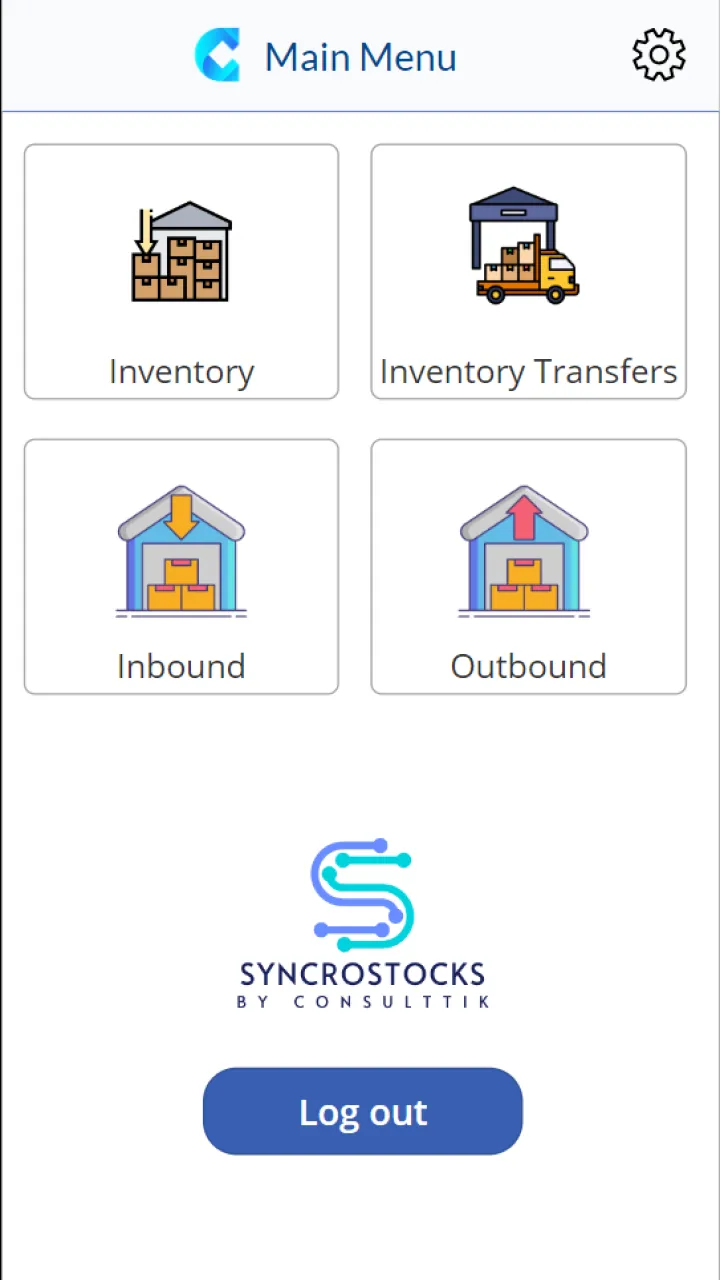
We build the apps, portals and automated workflows that take manual work out of everyday processes on Microsoft Power Platform. Power Apps turns spreadsheets and email chains into proper apps on shared Dataverse data, on desktop and mobile. Power Pages, Microsoft’s low-code platform for secure external-facing websites, gives customers, suppliers or applicants a portal into the same data. SyncroStocks, our own warehouse app, is built on Power Apps and Power Automate.
Power Automate connects your systems through cloud flows for approvals, notifications and integrations, while its desktop flows add robotic process automation (RPA) for older applications without an API. AI Builder reads documents and forms. Accounts payable is a good example: for Dynamics 365 Finance, Microsoft’s Invoice capture solution creates vendor invoices from invoice images, and we set it up with the approval and exception routes your team needs.
When low-code is not enough, we use custom development: integrations through APIs, services on Azure and extensions for Dynamics 365. Both kinds of work follow one governance model, with separate environments, data policies, source control and named owners, so what you build stays supportable as it grows.
03 — What it covers
What it covers
We build the apps, portals and flows that remove manual steps, on the platform your organisation already uses.
01Power Apps
02Power Pages
03Power Automate
04Dataverse
Specialised services
Dedicated pages for specific products, regulations and engagement models within Automation & Apps.
We set up Invoice capture for Dynamics 365 Finance and the accounts payable (AP) automation around it, so supplier invoices are received, read, checked and matched before a person approves them.
When configuration is not enough, our custom software development fills the gap: Dynamics 365 extensions, Power Apps, Azure applications and the integrations between them, for organisations in Saudi Arabia, Jordan, Qatar, Kuwait, the UAE and Oman.
04 — Technology
Microsoft technology
Each technology, and where else it appears across our services and products.
Technology
01Power Apps
02Power Pages
03Power Automate
04Dataverse
05Power Platform
Where else it appears
SyncroStocksProductvia Power Apps, Power Automate, Dataverse and Power Platform
Power Apps or custom development: how do you decide?
Per requirement, not by preference. Power Apps suits internal processes that run on Microsoft data and change often; custom development suits heavy logic, high volumes, public-facing scale or specialist integrations. Some solutions combine both, such as a Power Apps front end with an Azure service behind it. We explain the trade-offs in cost, speed and long-term support before you choose.
Can you automate invoice processing and accounts payable, including Arabic invoices?
Yes. Invoice capture and AP automation are part of what we deliver. For Dynamics 365 Finance we use Microsoft’s Invoice capture solution; Finance includes 100 invoice capture transactions per tenant per month, with more available to buy. Arabic invoices need care: Invoice capture uses AI Builder’s prebuilt invoice-processing model by default, and AI Builder doesn’t list Arabic among that model’s supported languages, so we test extraction on a sample of your own invoices and add custom extraction where needed. Our free AP Efficiency & Agentic AI Assessment estimates the manual effort in your AP process and finds the main bottleneck.
What is the difference between Power Automate and RPA?
Power Automate cloud flows connect systems through connectors and APIs, which is usually more dependable than screen-based automation. Desktop flows are Power Automate’s robotic process automation: they work through an application’s screens the way a person would, which helps with older or desktop systems that have no API. We use APIs wherever they exist and RPA where they don’t, and we design both to be monitored.
Can you build portals for customers or suppliers?
Yes. Power Pages is Microsoft’s secure, enterprise-grade, low-code platform for external-facing business websites, and it works on the same Dataverse data as your apps and flows. That suits supplier onboarding, customer self-service and applications that end in an internal approval. We handle sign-in, permissions and the integration behind the portal. Arabic isn’t in Power Pages’ out-of-the-box language list: it can be added as a custom language on the standard data model, where system messages such as error dialogs aren’t translated, so we agree how the Arabic pages will work before we build.
How do you stop low-code apps getting out of control?
With governance from the start. We separate development, test and production environments, use data policies to control which connectors apps and flows may use, give every app and flow a named owner and test every change before release. We can set this up for the apps your teams build themselves and assess an existing Power Platform estate.
Do you offer custom software development?
Yes. When a requirement goes beyond low-code, we develop custom integrations, services and extensions on Azure and the Microsoft platform, and build apps that integrate with Dynamics 365 instead of working around it. We document what we build and agree up front who owns the code and who supports it.
Discuss your business priorities and Microsoft roadmap.
Turn Microsoft technology into business advantage.
 Power Apps
 Power Pages
 Power Automate
 Dataverse
 Power Platform