01 — SyncroStocks · Inventory & Warehouse Management Mobile App
Warehouse operations, simplified.
A Canvas solution and mobile app that simplifies warehouse operations, integrating with Dynamics 365 Supply Chain or any ERP/CRM via Microsoft Dataverse and Azure.

SyncroStocks – Inventory Management Mobile Application
by ConsultTik
Built on Power Apps
 Power Automate
02 — Try the app
Try the app
The real SyncroStocks screens. Tap through them on the phone, or follow the steps.
Tap the outlined areas on the screen.
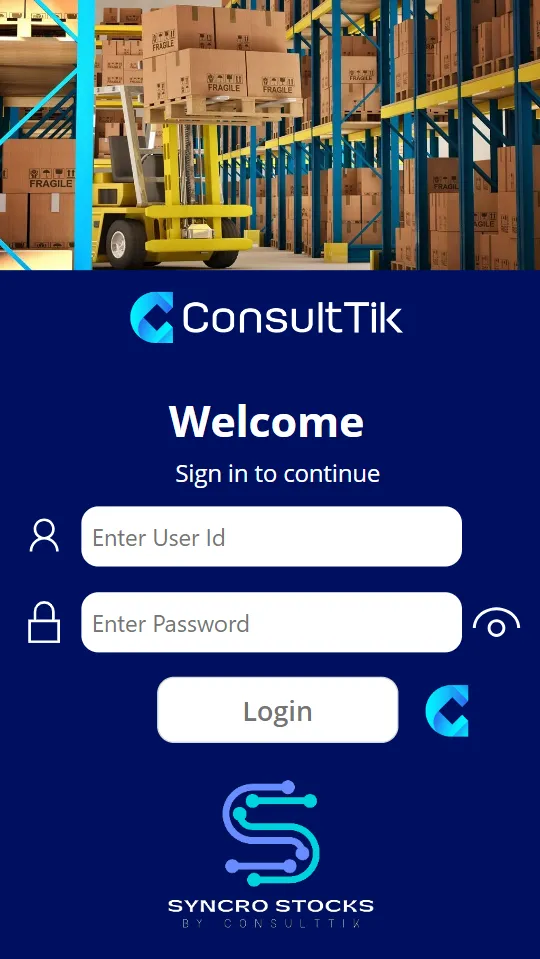
User access, with warehouse-level permissions.
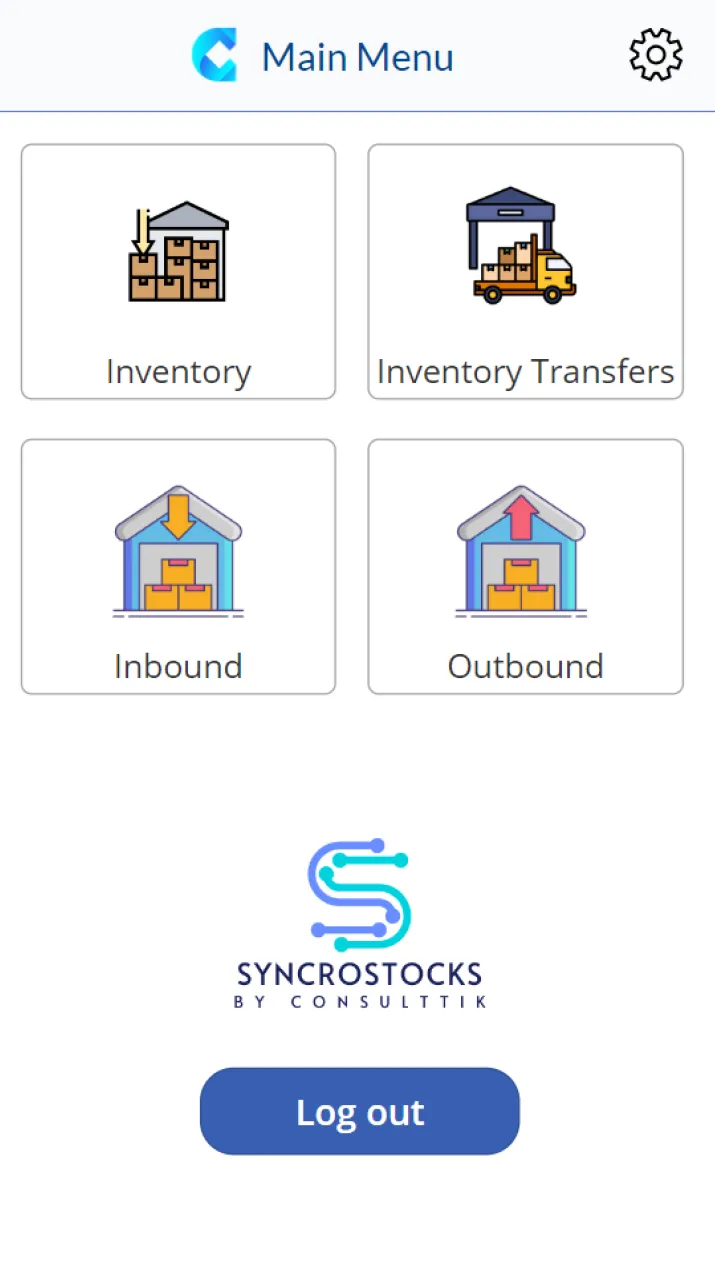
Inventory, Inventory Transfers, Inbound and Outbound.
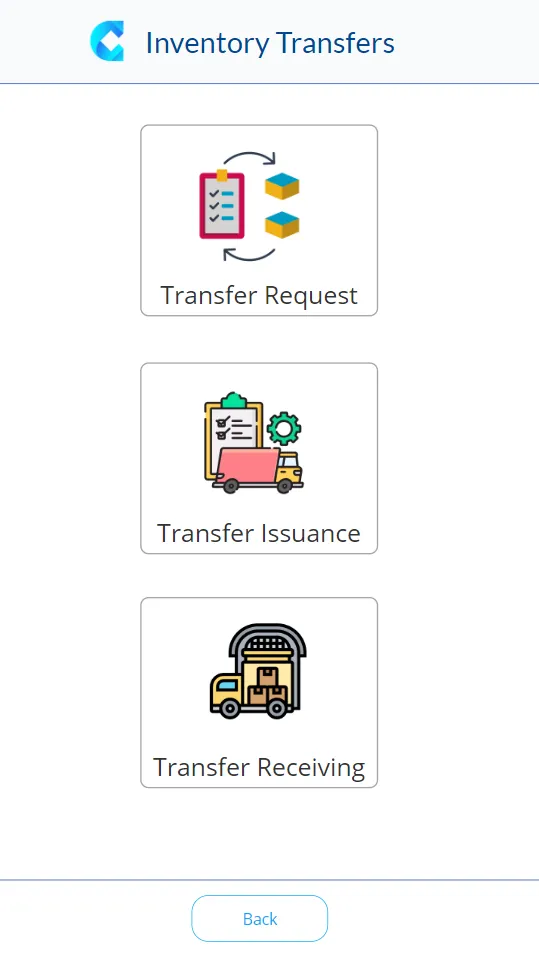
Transfers between warehouses, synced in real time.
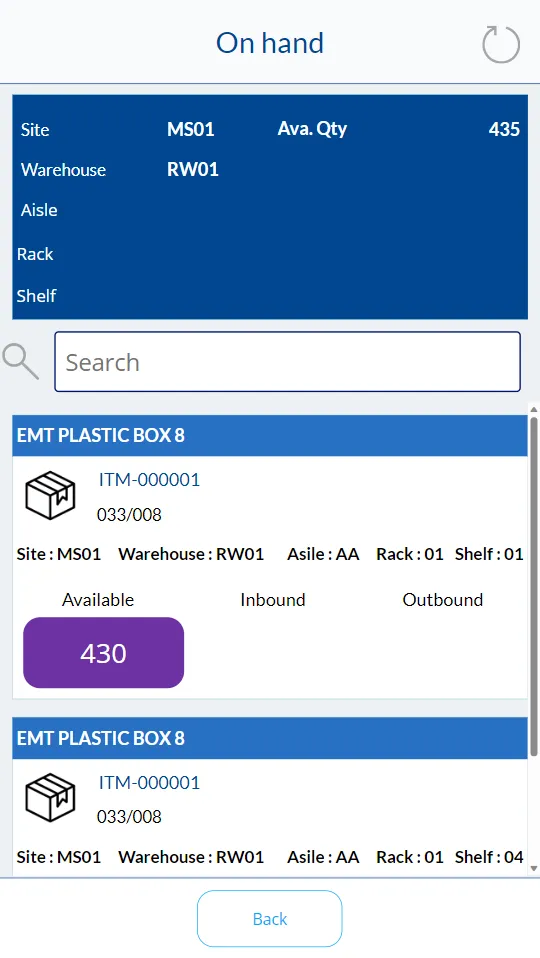
On-hand stock by site, warehouse, aisle, rack and shelf.
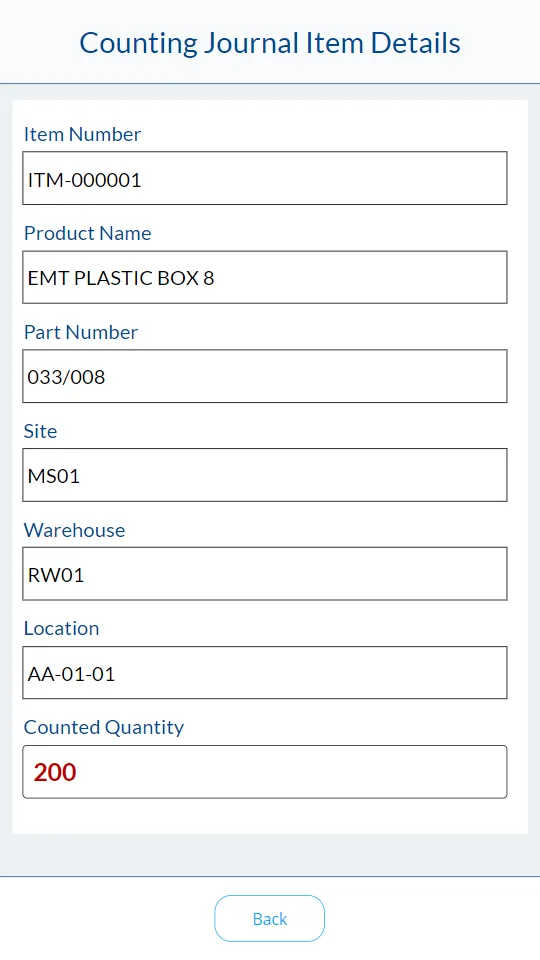
Counting journals, created on the device and synced automatically.
The five screens, in order. Scroll sideways to see them all.Sample data
01 Sign in User access, with warehouse-level permissions. 02 Main menu Inventory, Inventory Transfers, Inbound and Outbound. 03 Transfers Transfers between warehouses, synced in real time. 04 On-hand inquiry On-hand stock by site, warehouse, aisle, rack and shelf. 05 Counting journal Counting journals, created on the device and synced automatically.
03 — Key features
Key features
Integration prowess
Integrates with Dynamics 365 Supply Chain or any ERP/CRM via Microsoft Dataverse and Azure.
- Dynamics 365 Supply Chain
- Dataverse
- Azure
Power Platform magic
Built on Power Apps and Power Automate.
- Power Apps
- Power Automate
Effortless operations
Inbound, outbound and day-to-day inventory, synced in real time.
Mobile app excellence
Works across mobile devices, with scanning instead of paper.
Tailored for SMBs
For warehouses ready for location-based management.


04 — Operations
From paper to real time.
Streamlined operations
Power Automate integrates data in real time, eliminating manual, error-prone entry; works across mobile devices; inbound, outbound and day-to-day inventory.
Eliminate manual tasks
Scanner and automation instead of paper.
Also included
- Real-time inventory tracking
- Automated stock-level alerts
- Custom reporting on stock levels, movements and trends
05 — Usage scenarios
Usage scenarios with  Dynamics 365 Supply Chain
1. Integrating product data & warehouse structure
- Try it in the app
2. User access & warehouse-level permissions
- Try it in the app
3. Counting journals
Create + auto-sync
- Try it in the app
4. Transfers between warehouses
Request, issuance, receiving; real-time sync
5. Purchase order & sales return receiving
6. Sales order picking
- Try it in the app
7. On-hand inquiry at warehouse-structure levels
06 — Deployment
Typical deployment: 2–3 weeks, including user training.
- Week 1
- Week 2
- Week 3
Pricing is discussed directly with our team.
Talk to our teamDiscuss your business priorities and Microsoft roadmap.
Typical deployment: 2–3 weeks, including user training.
Or write to us directlyinfo@consulttik.comsales@consulttik.com